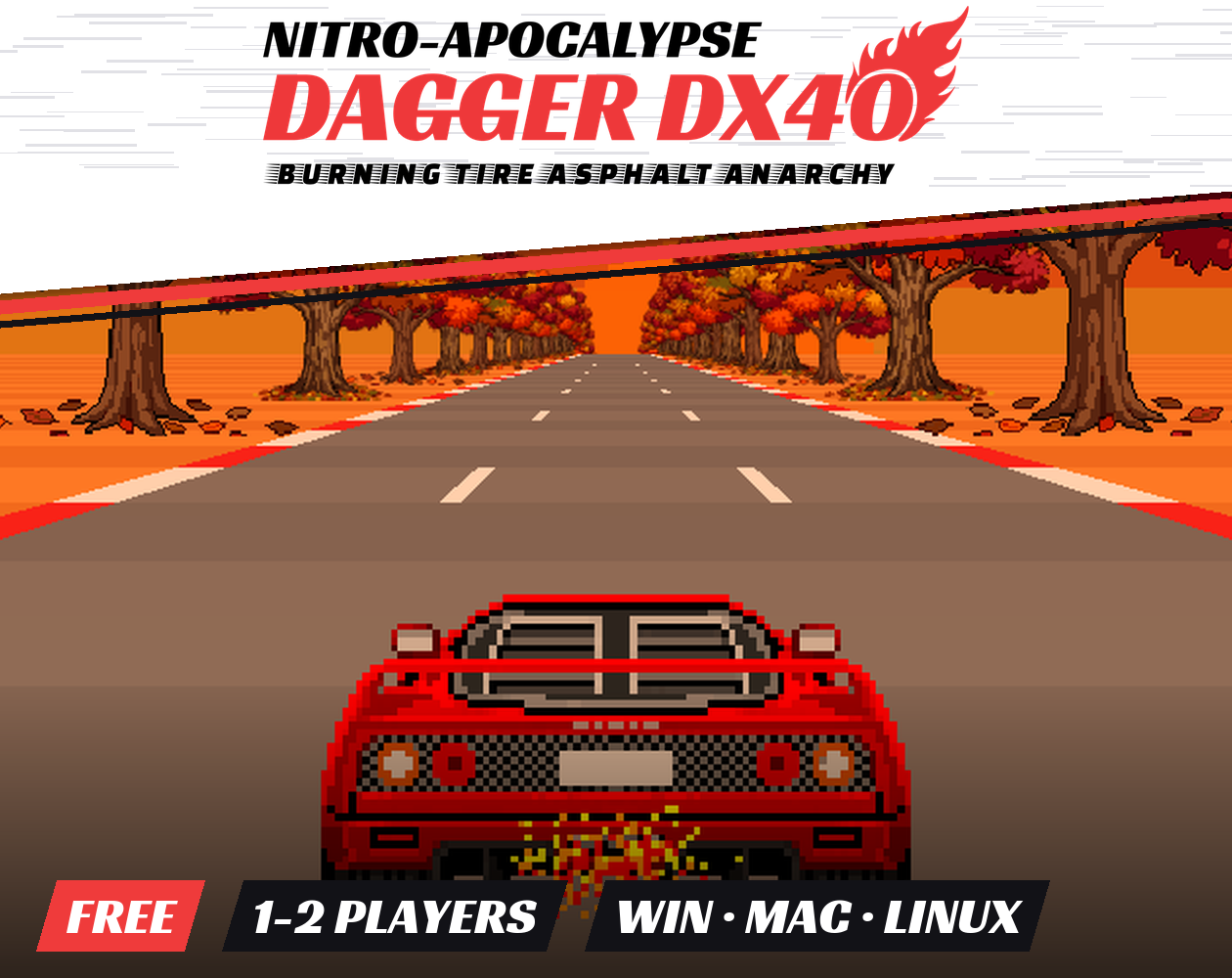
NITRO APOCALYPSE: DAGGER DX40: BURNING TIRE ASPHALT ANARCHY
FLOOR IT.
NITRO-APOCALYPSE: DAGGER DX40: BURNING TIRE ASPHALT ANARCHY is an old-school arcade racer inspired by the legendary OutRun. Grab the wheel of the Dagger DX40, a red-hot supercar with a manual gearbox, a temperamental turbo and an engine that will explode if you push it too hard.
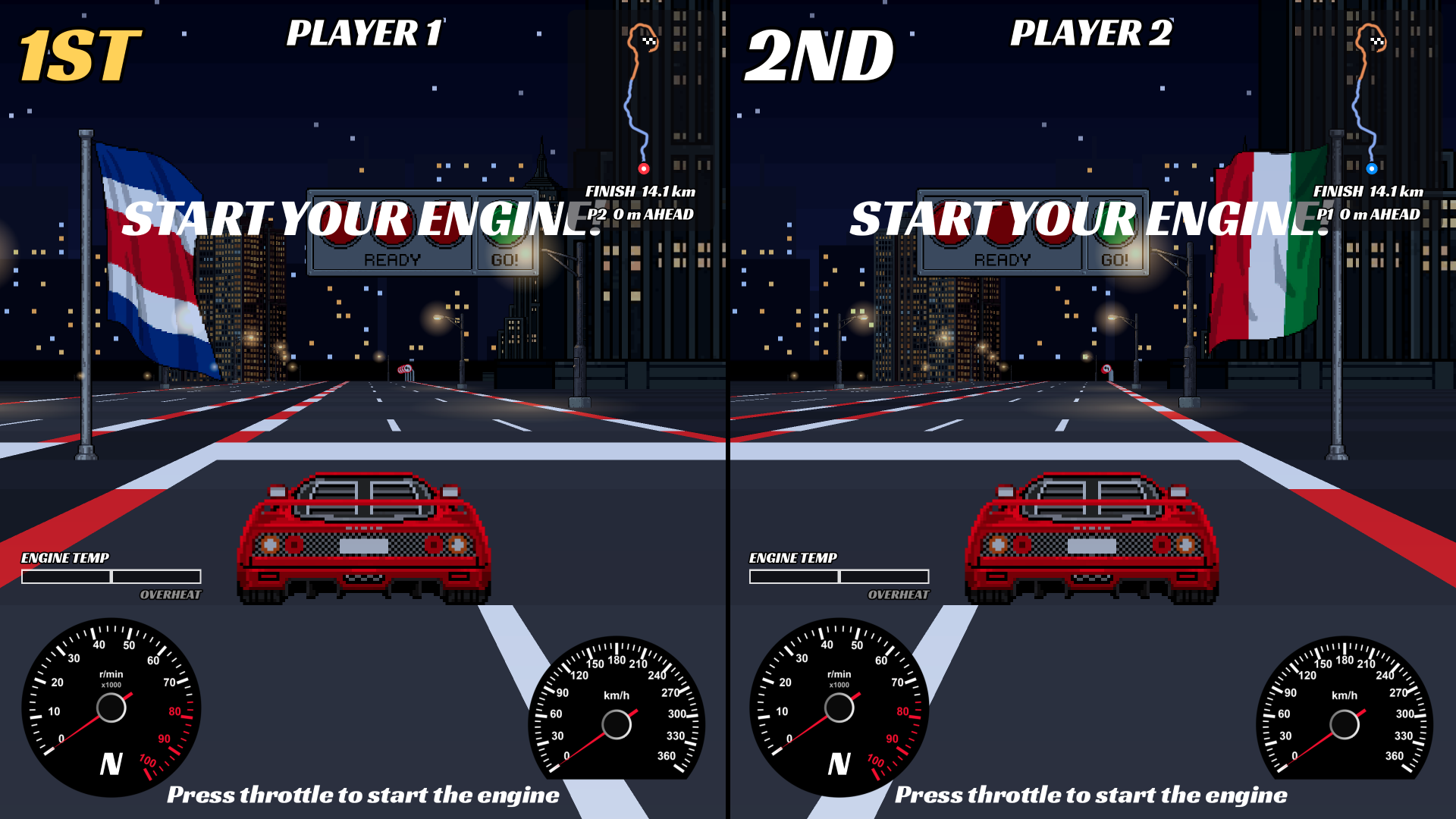
Weave through traffic, drift through the corners, and race the clock from a sunny beach to an autumn sunset, or through the neon streets of a city that never sleeps. Bring a friend and settle it split screen.
100% FREE · Windows · macOS · Linux · Web · 1/2 players (local split screen)
FEATURES
- Real manual gearbox: shift at the right RPM or lose speed. Downshift too early and you'll hear it.
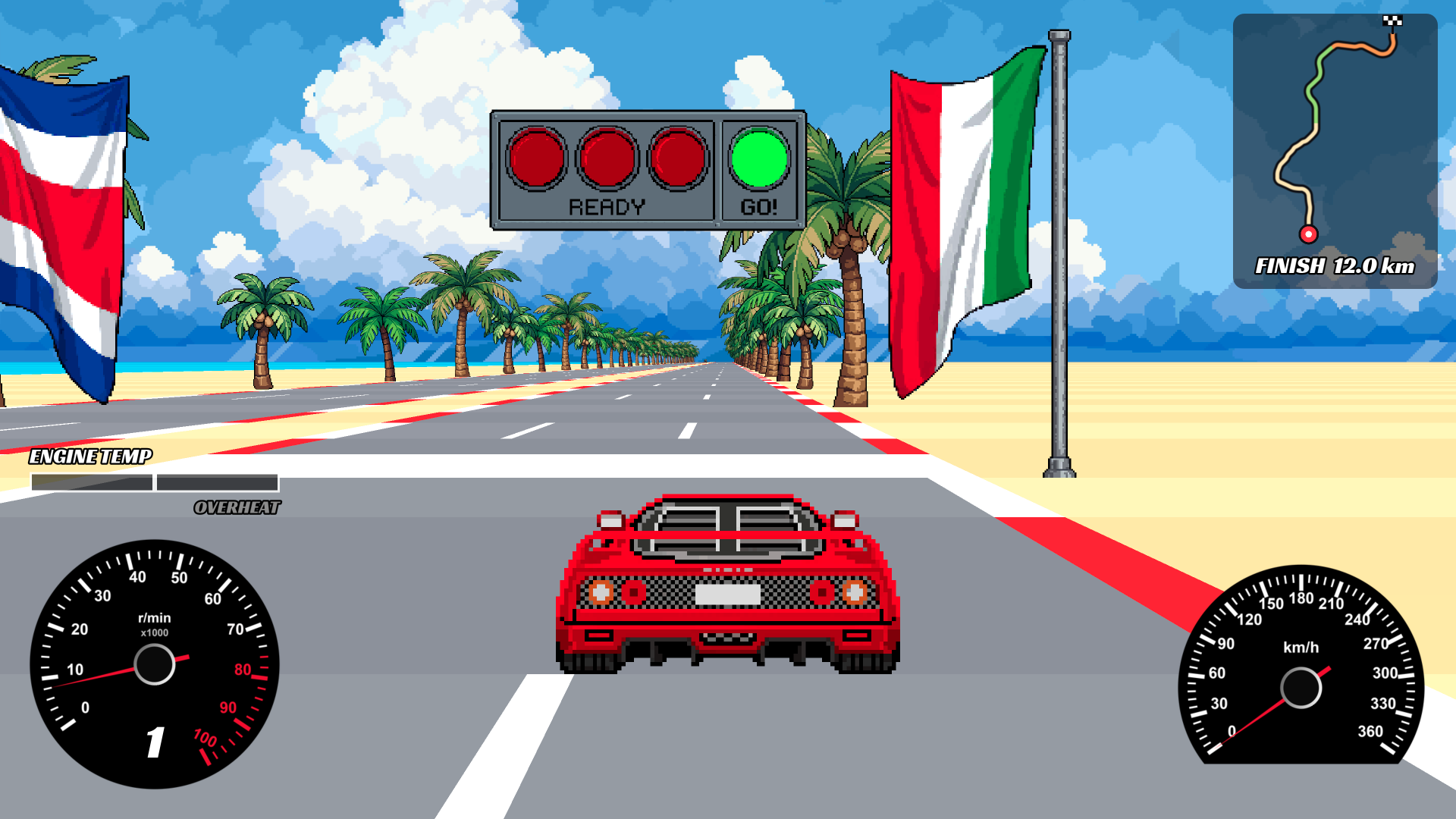
- Turbo boost: hit the turbo for a burst of speed, but watch the engine temperature.
- Engine damage: overheat, redline or over-rev it and your engine starts to wear, leak and smoke, until it finally BLOWS UP.
- Traffic: cars and trucks crowd the road. Bump them, get bounced around, and keep your foot down.
- Off-road drifting: leave the asphalt and your tires will scream about it.
- Local split-screen multiplayer: race a friend on one keyboard, push each other off the road, and see who's 1ST.
- Live minimap: see where you are, how far the finish is, and how far ahead (or behind) your rival is.
- Hand-drawn pixel art with smooth scenery changes along the track.
MAPS
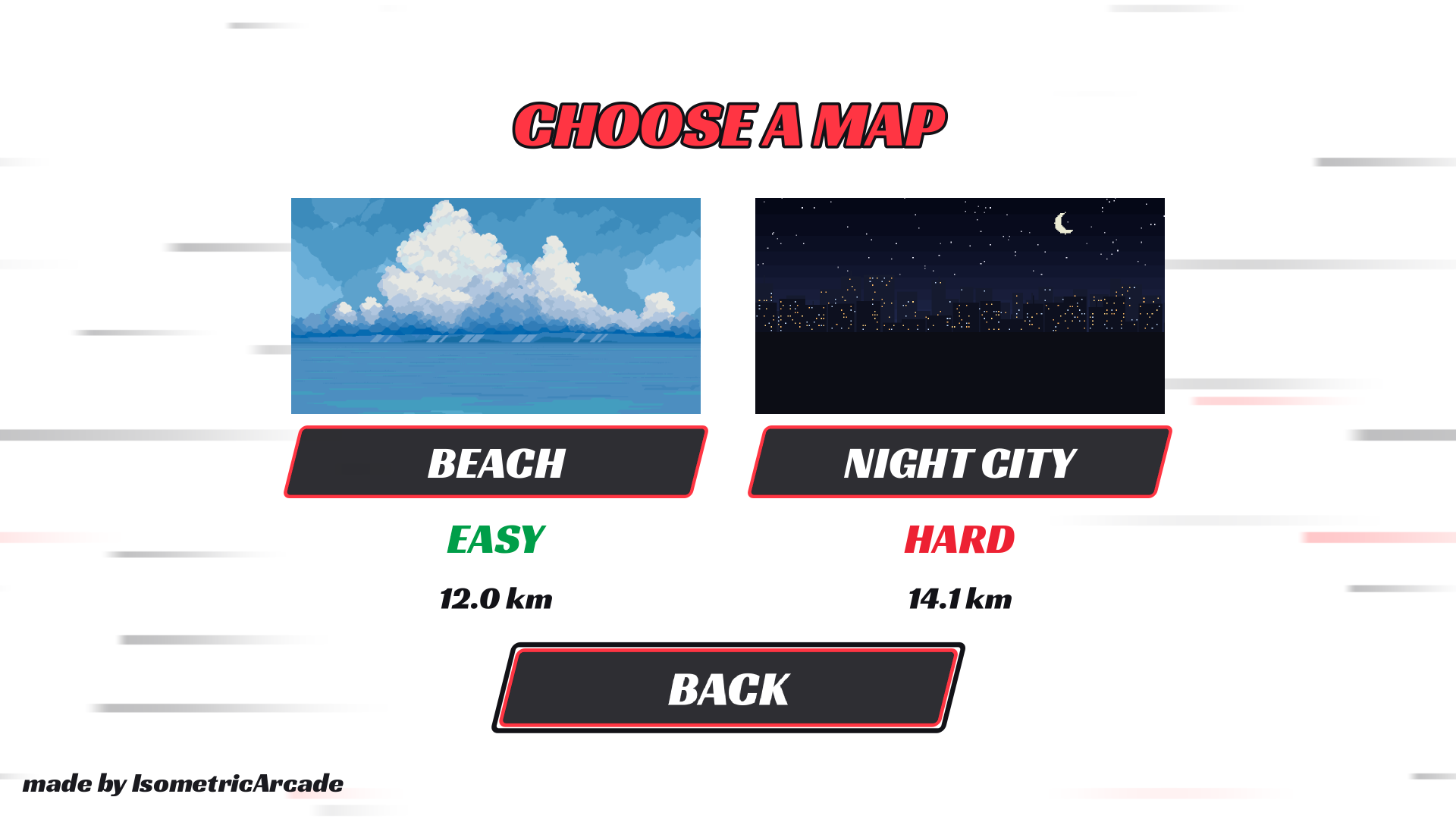
| Map | Difficulty | Length | What to expect |
|---|---|---|---|
| BEACH | EASY | 12.0 km | Palm trees and ocean, then green countryside, then an orange autumn sunset. Wide roads and flowing curves. |
| NIGHT CITY | HARD | 14.1 km | Skyscrapers and glowing street lights. S-bends, chicanes, splitting roads and lanes that come and go, ending in the dark brown old town. |
GAME MODES
- SINGLEPLAYER: a race against the clock. Reach the finish line as fast as you can.
- MULTIPLAYER: two players, one screen. The first to cross the finish line wins, and if your rival's engine blows up and their car stops, you win.
CONTROLS
| Action | Player 1 (Singleplayer) | Player 2 |
|---|---|---|
| Accelerate / Start engine | W | ↑ |
| Brake | S | ↓ |
| Steer | A / D | ← / → |
| Shift up | K | Z |
| Shift down | M | X |
| Turbo | Space | C |
Esc pause · R restart after the race · Menus: Arrows / WASD to move, Space to select.
Hold accelerate to fire up the engine, wait for the green light, and don't forget to shift!
HELP MAKE THE GAME BETTER
This is my first racing game and I'd be very grateful for any bug reports, feedback and ideas! If something breaks, feels wrong, or you think something could be more fun, please tell me in the comments below. Include your operating system and what happened, and I'll do my best to fix it. Every report helps make the game better.
INSPIRED BY SK1DS
This game wouldn't exist without Sk1ds and his amazing OutRun remake, Turbo OutRun Reimagined. Thank you, Sk1ds, for making such an awesome game and for inspiring me to make this one.
Go check out his games: sk1ds.itch.io
FINALLY
If you enjoy the game, leave a comment and share it with a friend. Now get out there and BURN SOME RUBBER!
Download
Install instructions
Windows
- Download the Windows .zip file and extract it (right-click → Extract All…).
- Open the extracted folder and double-click DAGGER.exe.
- Keep DAGGER.exe and DAGGER.pck in the same folder, or the game won't start.
If Windows SmartScreen says "Windows protected your PC", click More info → Run anyway. This appears because the game isn't signed with a paid certificate.
Linux
- Download the Linux .zip file and extract it.
- Keep DAGGER.x86_64 and DAGGER.pck in the same folder.
- Make the game executable and run it from a terminal in that folder:
chmod +x DAGGER.x86_64
./DAGGER.x86_64
macOS
- Download DAGGER.dmg and double-click it to open it.
- Drag NITRO APOCALYPSE DAGGER DX40 BURNING TIRE ASPHALT ANARCHY.app into your Applications folder.
- Open the game from Applications.
MAC USERS, PLEASE READ: "UNVERIFIED DEVELOPER" WARNING
I'm an indie developer without a paid Apple Developer account, so the game isn't notarized by Apple. The first time you open it, macOS Gatekeeper will probably block it with a message like "Apple could not verify… is free of malware", "cannot be opened because the developer cannot be verified" or even "is damaged and can't be opened". The game is safe. Use any one of these fixes:
Option 1: System Settings (recommended)
Option 2: Right-click → Open (macOS 14 Sonoma and older)
- Try to open the game once and click Done / OK on the warning.
- Open the Apple menu → System Settings → Privacy & Security.
- Scroll down to the Security section. You'll see a message about the game being blocked. Click Open Anyway.
- Confirm with Open Anyway again and enter your password if asked. After that it opens normally every time.
- In Applications, right-click (or Control-click) the game and choose Open.
- Click Open in the dialog that appears.